
Verify if you have the fonts
- Open Word or another application that supports changing fonts.
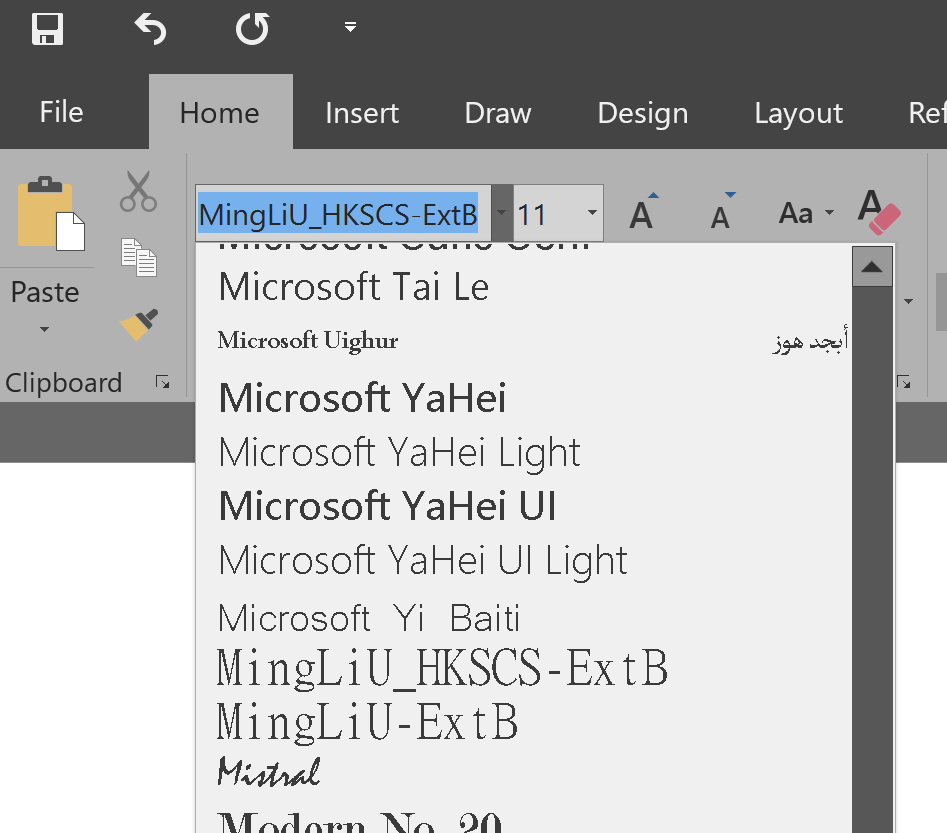
- Click the toolbar and scroll it down to see if Minion Pro font is installed. This example shows it does not already exist:
Add the Font
- Temporarily copy both font files located at I:\FONTS to your computer's desktop.
- Double-click each one and click "Install" at the top of the window. This will only take a few seconds for each one.
- Delete the temporary font files from your desktop.
Once complete, you'll only see one of these in your programs. This is because one of these fonts is simply the italicized version of the font.
Comments
0 comments
Article is closed for comments.